Cloud & DevOps
This comprehensive 120-hour curriculum provides a complete journey from Cloud and DevOps fundamentals to advanced AI-powered operations.…
- 24
- 120h
- 0
-
(0)

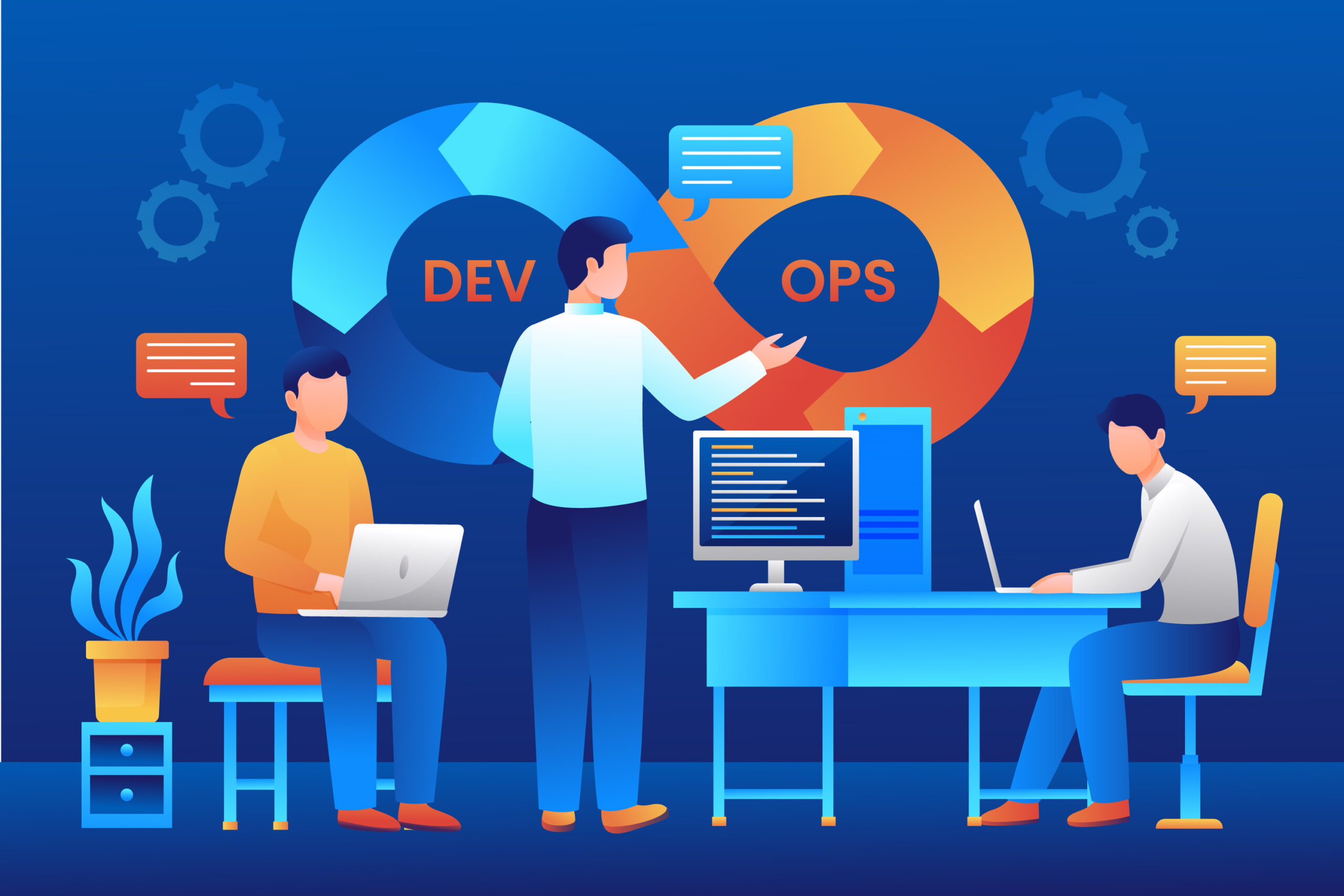
This comprehensive 120-hour curriculum provides a complete journey from Cloud and DevOps fundamentals to advanced AI-powered operations. The project-based approach ensures practical skills with industry-standard tools, while the extensive AI integration modules prepare students for the future of intelligent DevOps where AI copilots and automated operations transform how we build, deploy, and manage infrastructure . Students will graduate with a robust portfolio of 8+ projects demonstrating their expertise across the entire Cloud and DevOps spectrum and will be prepared for roles such as DevOps Engineer, Cloud Engineer, Site Reliability Engineer, and AI-Enhanced DevOps Specialist.
What Will You Learn?
- Master cloud computing fundamentals across AWS and Azure platforms including compute, storage, networking, and security services
- Build and optimize CI/CD pipelines using Jenkins, GitHub Actions, and Azure DevOps for automated software delivery
- Implement Infrastructure as Code (IaC) using Terraform and AWS CloudFormation to provision and manage cloud resources reproducibly
- Containerize applications with Docker and orchestrate containers using Kubernetes for scalable, resilient deployments
- Configure and manage configuration management tools like Ansible for automated server provisioning
- Leverage AI-powered DevOps tools including GitHub Copilot, AI copilots for monitoring, and intelligent incident response systems to enhance productivity and reduce downtime
- Implement AI-driven monitoring and observability using AI copilots to transform raw telemetry into actionable insights and reduce alert fatigue
- Apply MLOps principles to manage machine learning workflows in production environments
Course Curriculum
Linux Basics & System Administration
-
Linux architecture, kernel, and distributions (CentOS, Ubuntu, Red Hat)
-
Filesystem Hierarchy Standard (FHS) and directory structure
-
Essential Linux commands for file management, process control, and system monitoring
-
File permissions and ownership (chmod, chown, umask)
-
User and group management
-
Package management with yum and apt
-
Service management with systemd
-
Networking commands (ifconfig, netstat, ss, telnet)
Shell Scripting & Automation
-
Bash scripting fundamentals: variables, conditionals, loops, functions
-
Input/output redirection and piping
-
Regular expressions and text processing with grep, sed, awk
-
Scheduling tasks with cron and at
-
Script debugging and error handling
-
Automating system administration tasks
Project 1: Linux System Administration & Automation
-
Set up a Linux server with required services
-
Create user accounts with appropriate permissions
-
Write shell scripts to automate
-
Document all scripts with usage instructions
Git Fundamentals
-
Version control concepts and benefits
-
Git architecture and workflow
-
Installing and configuring Git
-
Basic Git commands: init, add, commit, status, log
-
Working with remote repositories (GitHub, GitLab)
-
Branching and merging strategies
-
Resolving merge conflicts
-
Git workflow best practices
GitHub Actions & Collaboration
GitHub Actions basics and workflow syntax
-
Building CI/CD pipelines with GitHub Actions
-
Understanding YAML configuration
-
Triggering workflows with events
-
Using GitHub secrets for secure credentials
-
GitHub collaboration best practices
Project 2: Git-Based DevOps Workflow
-
Create a GitHub repository with branching strategy
-
Implement feature branch workflow with pull requests
-
Set up GitHub Actions for automated testing
-
Configure branch protection rules
-
Document Git workflow for team collaboration
AWS Cloud Fundamentals
-
AWS Global Infrastructure: regions, availability zones, edge locations
-
Identity and Access Management (IAM): users, groups, roles, policies
-
Compute: EC2 instances, AMIs, instance types, security groups, key pairs
-
Storage: S3 buckets, storage classes, lifecycle policies, EBS volumes
-
Networking: VPC, subnets, route tables, internet gateways, NAT gateways
-
Load balancing: ELB, target groups, health checks
-
Auto Scaling: launch templates, scaling policies
-
Database: RDS, DynamoDB basics
Azure Cloud Fundamentals
-
Azure architecture: regions, resource groups, subscriptions
-
Azure Virtual Machines: creation, configuration, availability sets
-
Azure Storage: blob storage, file shares, disks
-
Azure Networking: VNet, subnets, network security groups, load balancers
-
Azure Databases: SQL Database, Cosmos DB basics
-
Azure Resource Manager (ARM) and templates
-
Azure DevOps overview
Project 3: Multi-Cloud Application Deployment
-
Deploy a sample web application on AWS
-
Deploy same application on Azure
-
Compare deployment processes across clouds
-
Document architecture and deployment steps
Docker Fundamentals
-
Containerization concepts and benefits
-
Docker architecture: daemon, client, registries, objects
-
Docker images and containers
-
Dockerfile instructions and best practices
-
Building and tagging custom images
-
Running and managing containers
-
Docker Hub and private registries
-
Container networking basics
Advanced Docker Concepts
-
Docker networking: bridge, host, overlay networks
-
Docker volumes for persistent data
-
Environment variables and configuration
-
Docker Compose for multi-container applications
-
Docker Compose YAML structure
-
Managing multi-container stacks
-
Docker resource constraints (CPU, memory)
-
Docker security best practices
Project 4: Microservices Containerization
-
Containerize a multi-tier application (frontend, backend, database)
-
Write Dockerfiles for each service
-
Create Docker Compose file for local development
-
Implement volume mounts for database persistence
-
Configure networking between services
-
Set up environment-specific configurations
-
Document containerization process and commands
Kubernetes Fundamentals
-
Kubernetes architecture: control plane, nodes, etcd, kubelet
-
Pods: smallest deployable units
-
Deployments and ReplicaSets for scaling
-
Services for networking and discovery
-
ConfigMaps and Secrets for configuration
-
Namespaces for resource isolation
-
kubectl commands and YAML manifests
Advanced Kubernetes Concepts
-
Ingress controllers for HTTP routing
-
Persistent volumes and claims for stateful applications
-
StatefulSets for stateful workloads
-
Helm package manager for Kubernetes
-
Kubernetes monitoring with Prometheus
-
Kubernetes security: RBAC, service accounts, network policies
-
Horizontal Pod Autoscaling
-
Kubernetes best practices
Project 5: Kubernetes Production Deployment
-
Deploy a complete application stack on Kubernetes
-
Create deployments for frontend, backend, and database
-
Configure services for internal and external access
-
Implement Ingress for domain-based routing
-
Use ConfigMaps and Secrets for configuration
-
Set up persistent volumes for database storage
-
Create Helm chart for repeatable deployments
-
Document Kubernetes manifests and deployment steps
Terraform Fundamentals
-
Infrastructure as Code concepts and benefits
-
Terraform architecture and workflow
-
HCL (HashiCorp Configuration Language) syntax
-
Providers: AWS, Azure, Kubernetes
-
Resources and data sources
-
State management and remote backends
-
Variables and outputs
-
Terraform modules for reusability
Advanced Terraform & CloudFormation
-
Terraform workspaces for environment isolation
-
Terraform functions and expressions
-
Handling secrets with Terraform
-
AWS CloudFormation basics and YAML syntax
-
CloudFormation stacks and change sets
-
Comparing Terraform vs CloudFormation
-
Best practices for IaC
Project 6: Infrastructure Automation Project
-
Design complete infrastructure for a web application
-
Write Terraform configurations
-
Use Terraform modules for reusability
-
Implement remote state storage in S3
-
Create CloudFormation template for same architecture
-
Compare both approaches and document
Jenkins for CI/CD
-
Continuous Integration and Continuous Delivery concepts
-
Jenkins architecture: master-agent setup
-
Installing and configuring Jenkins
-
Jenkins jobs and pipelines
-
Pipeline as Code with Jenkinsfile
-
Integrating Jenkins with Git
-
Build triggers and webhooks
-
Jenkins plugins and ecosystem
GitHub Actions & Advanced CI/CD
-
GitHub Actions workflow syntax deep dive
-
Custom actions and reusable workflows
-
Matrix builds for multiple environments
-
Deployment to cloud platforms
-
Integrating security scanning
-
CI/CD best practices and patterns
-
Configuration Management with Ansible
Configuration Management with Ansible
-
Configuration management concepts
-
Ansible architecture: control node, inventory, modules
-
Playbooks and tasks
-
Variables and templates
-
Roles for reusable automation
-
Ansible Galaxy
Project 7: End-to-End CI/CD Pipeline
Design complete CI/CD pipeline
-
Implement pipeline using Jenkins and GitHub Actions
-
Add automated rollback strategy
-
Document pipeline stages and configuration
AI in DevOps & SRE Fundamentals
-
How AI is redefining Cloud and DevOps landscape
-
Evolution from automation to cognitive infrastructure
-
AI copilots: GitHub Copilot, Azure OpenAI Service, and their impact
-
Key AI applications across DevOps lifecycle
-
SRE evolution for AI-driven infrastructure
-
Ethical considerations and governance for AI in DevOps
AI-Powered Coding & Infrastructure
-
GitHub Copilot for Infrastructure as Code
-
AI-assisted Terraform and CloudFormation generation
-
Automated code reviews and security fixes
-
Generating documentation from code
-
AI for dependency upgrades and vulnerability fixes
Intelligent Monitoring & Observability
-
Transforming monitoring from noise to actionable insights
-
AI copilots for log analysis and anomaly detection
-
Azure Monitor with AI capabilities
-
AWS CloudWatch intelligent insights
-
Predictive analytics for resource scaling
-
Reducing alert fatigue with AI-powered filtering
AI-Powered Incident Response
-
AI-driven incident detection and response
-
Reducing Mean Time to Detect (MTTD) and Mean Time to Respond (MTTR)
-
Automated containment and remediation
-
AI-generated post-incident reports
-
Self-healing infrastructure concepts
Project 8: AI-Enhanced DevOps Dashboard
-
Build comprehensive DevOps dashboard with AI capabilities
-
Integrate with cloud platforms (AWS/Azure)
-
Use AI APIs for intelligent features
-
Document AI applications in DevOps workflows
-
Present findings with actionable recommendations
Final Project: Complete DevOps Implementation with AI Integration
-
Phase 1: Infrastructure as Code
-
Phase 2: Containerization & Orchestration
-
Phase 3: CI/CD Pipeline
-
Phase 4: Monitoring & Observability
Student Ratings & Reviews

More Courses By AdminElevate


Dev SecOps
- 25
- 120h
- 0
-
(0)
This comprehensive 120-hour curriculum provides a complete journey from DevSecOps fundamentals to advanced AI-powered security operations. The project-based approach ensures…
Cloud SecOps
- 24
- 120h
- 0
-
(0)
This comprehensive 120-hour curriculum provides a complete journey from cloud security fundamentals to advanced AI-powered SecOps. The project-based approach ensures…
Data Science
- 23
- 120h
- 0
-
(0)
This comprehensive 120-hour curriculum provides a complete journey from data science fundamentals to advanced AI-powered applications. The project-based approach ensures…